47
signal clusters
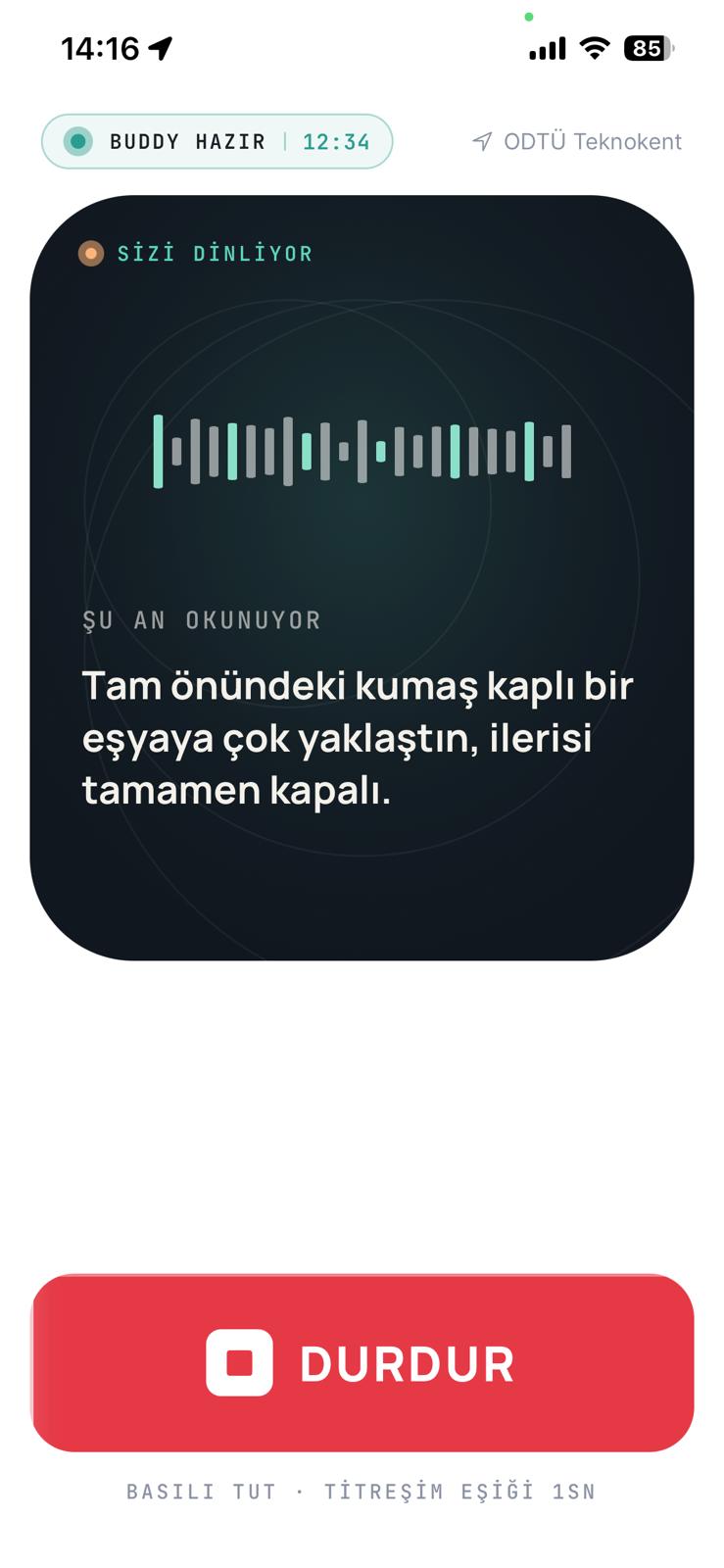
Beacon is an AI buddy that lets blind and low-vision people exercise outdoors on their own. The phone camera sees the world, the model interprets it, and you hear it through your earphones — in your language.
Deprivation is measurable. Inequality is tangible. Beacon was built to close the gap.
Pull the phone from your pocket, tap the screen once. Beacon says "Buddy ready" through your earphones; audio and haptic thresholds calibrate to you.
→ One tap · "Start with voice"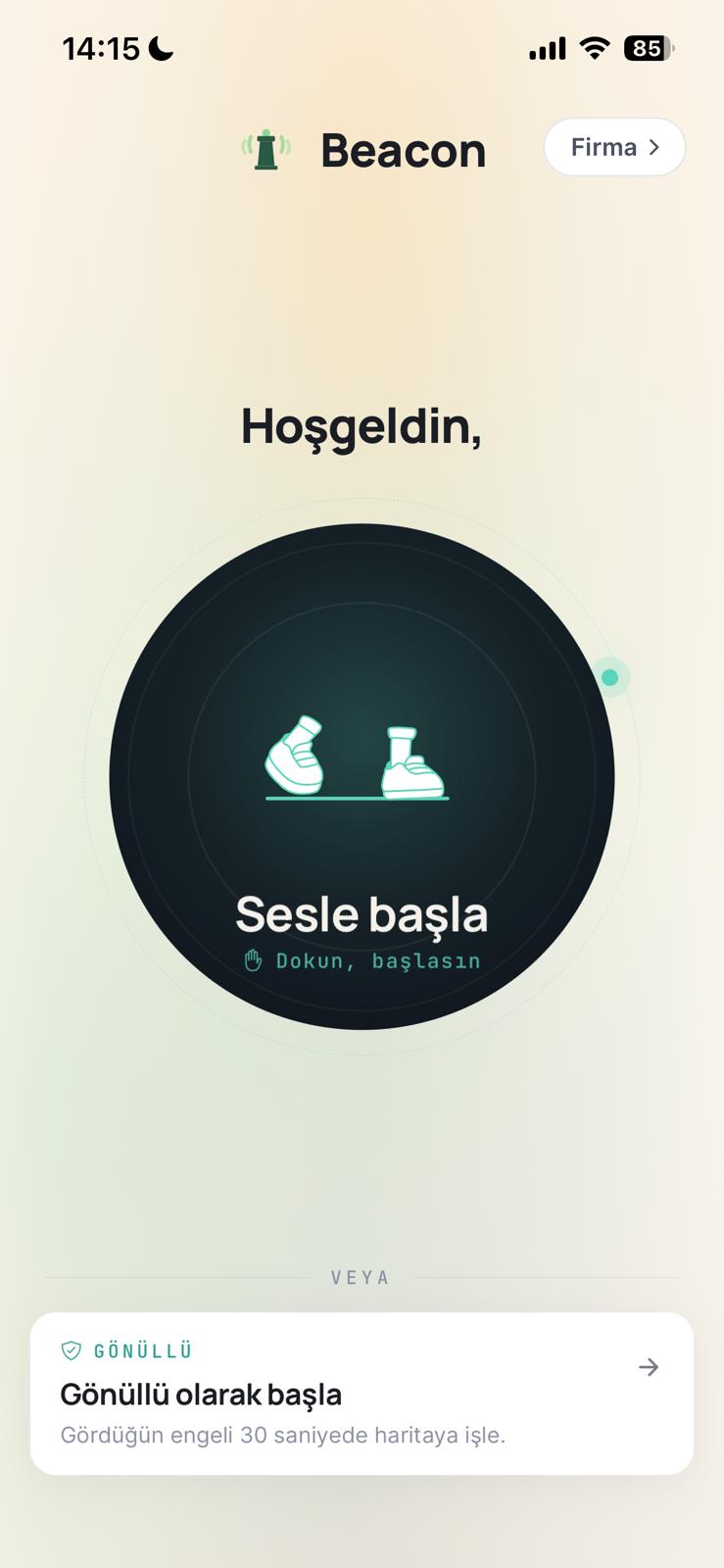
Pull the phone from your pocket, tap the screen once. Beacon says "Buddy ready" through your earphones; audio and haptic thresholds calibrate to you.
→ One tap · "Start with voice"The camera sees, the model interprets, you hear it in your language. No directional commands — only context about what's around you. You stay in charge.
→ Voice command · "What's in front of me?"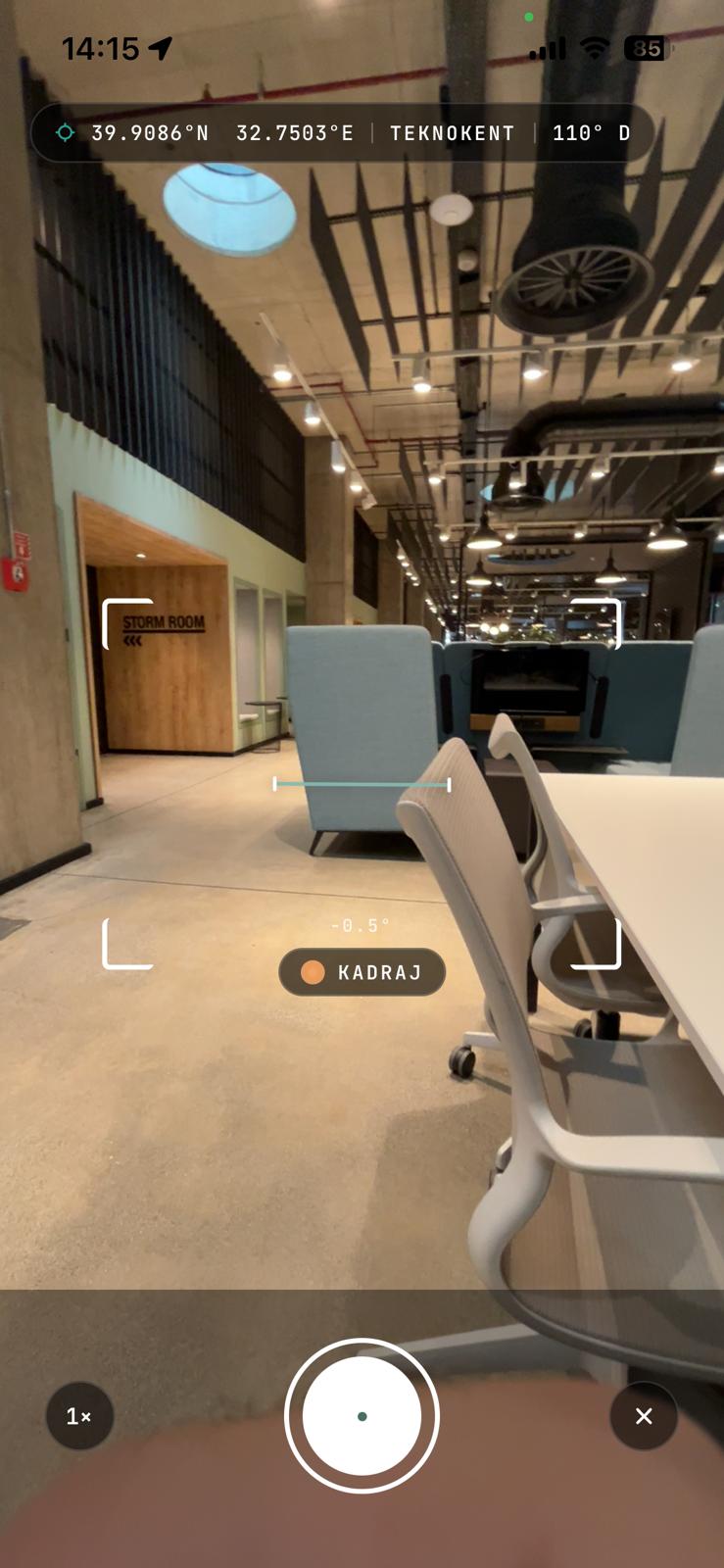
Broken curb, missing tactile surface, fixed obstacle — point the phone at it. Beacon tags the location and image automatically.
→ Auto · GPS + VLM detection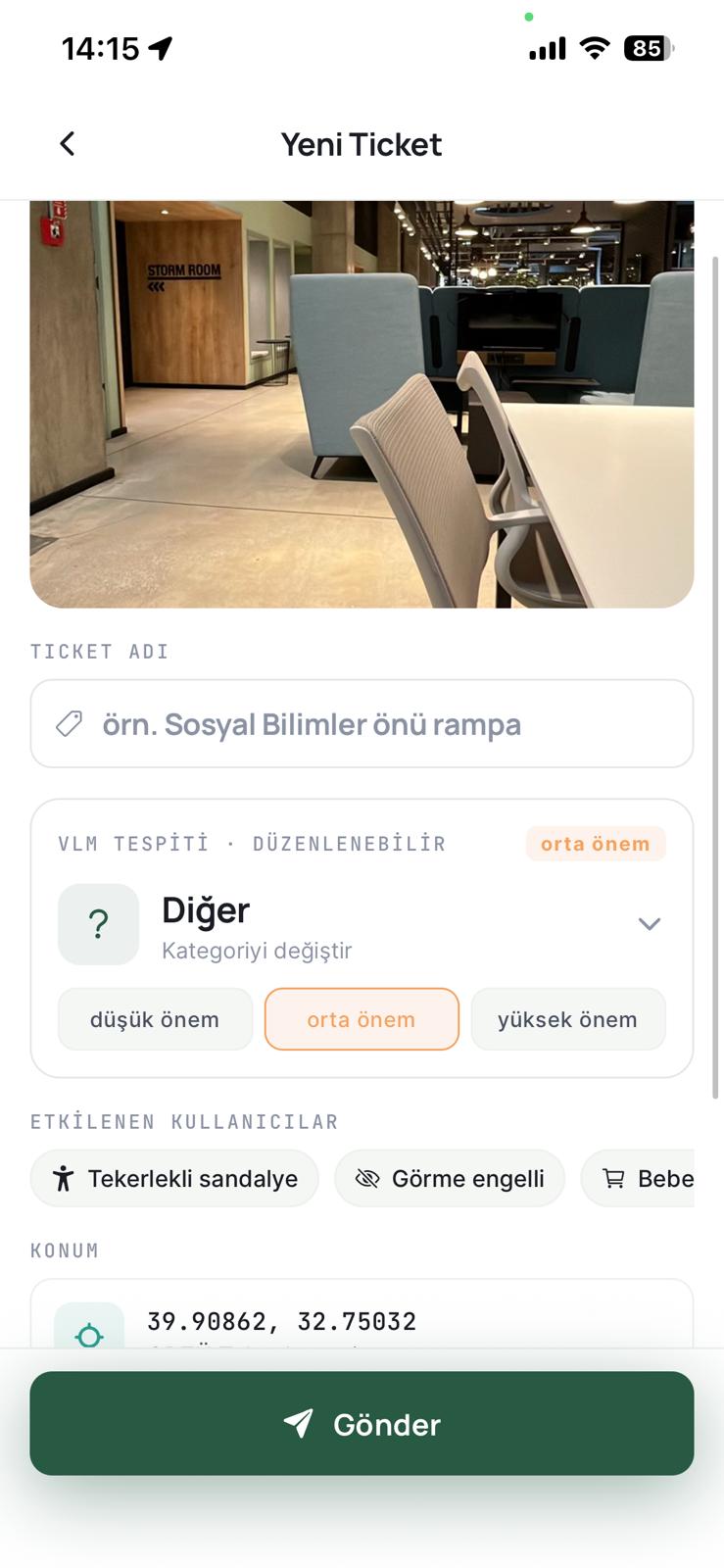
A snag lands on the map at 1/3 detections, gets verified at 3/3. Volunteers and nearby users see it; institutions resolve it from the heat map.
→ Community · Live in 30 secPedestrians, obstacles, crossings — all the things around you. Beacon picks what matters and summarizes in three or four seconds. Complete, never overwhelming.
Standing next to an outdoor gym machine? Say "describe this." Beacon recognizes the equipment and walks you through grip placement and starting position, step by step.
"What's in front of me?" · "Is this safe?" · "Report this." Natural sentences. Beacon understands the intent and triggers the right flow.
Blind users can't see a tap land. So Beacon answers every interaction with a spoken cue and a calibrated vibration — you always know what you just pressed, and what the app heard.
Open Beacon with one spoken command. Every interactive element announces itself the moment focus lands.
Every tap is met with a precisely tuned vibration pattern. Users feel the difference between a primary action, a confirmation, and an error — without seeing the screen.
Audio levels, speech speed, and pulse intensity all calibrate on first launch and adjust over time — no two users get the same defaults.
Beacon users and volunteers report the obstacles they hit as "snags." The community verifies them, the map fills in, and allies step in to fix what's broken.
A single user frames it; the VLM proposes a category and severity, the user confirms or corrects.
When three different users mark the same point, the snag flips to "verified." Otherwise it stays a single sighting.
The responsible institution claims verified snags from the heat map and closes them once fixed.
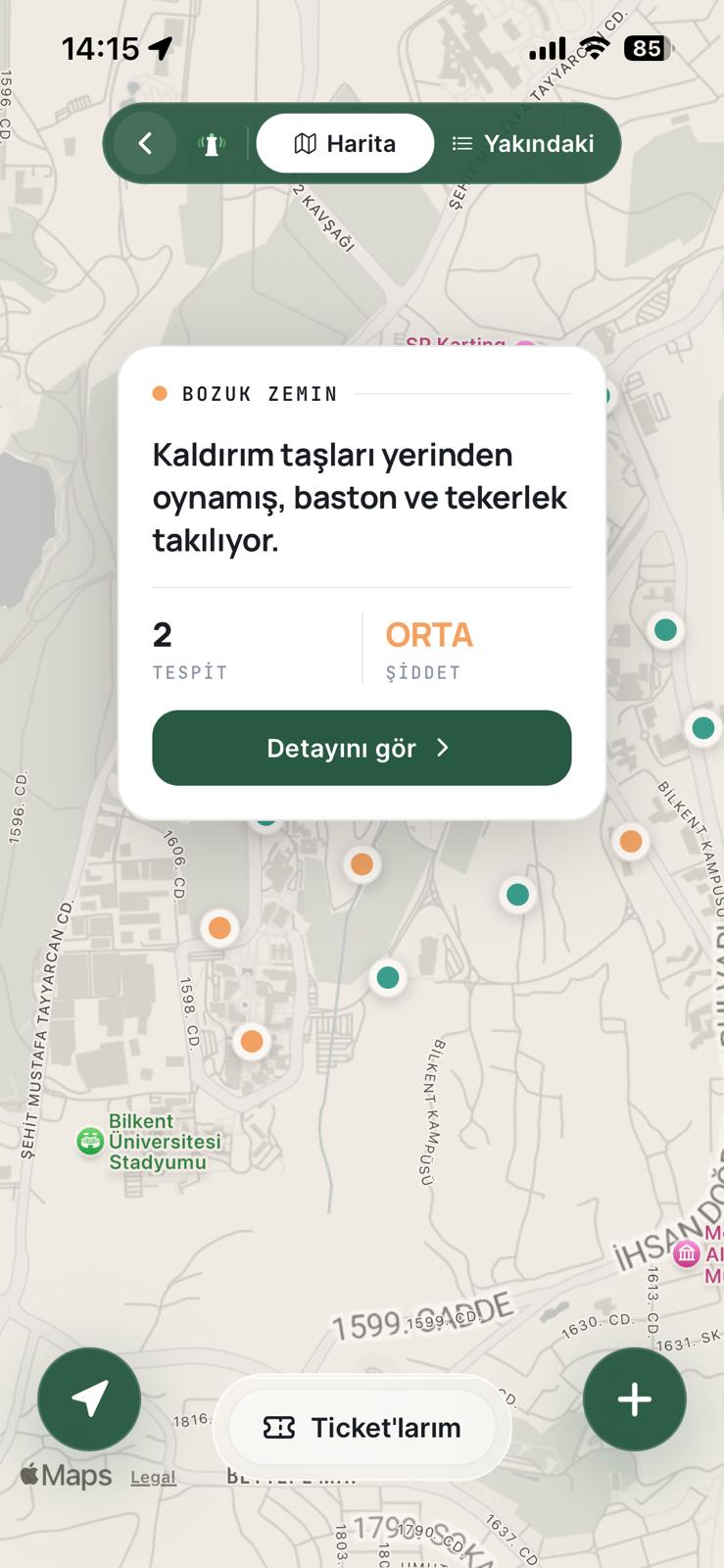
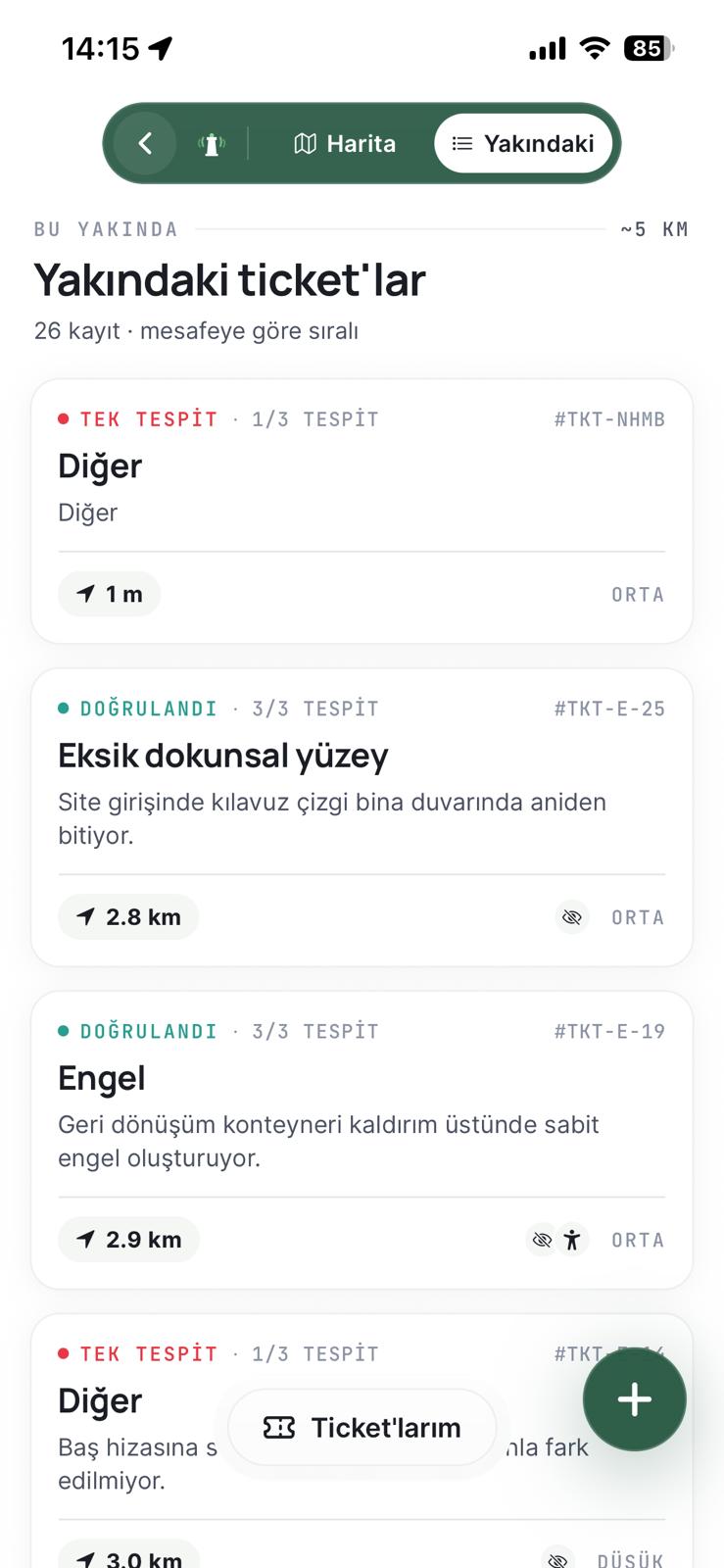
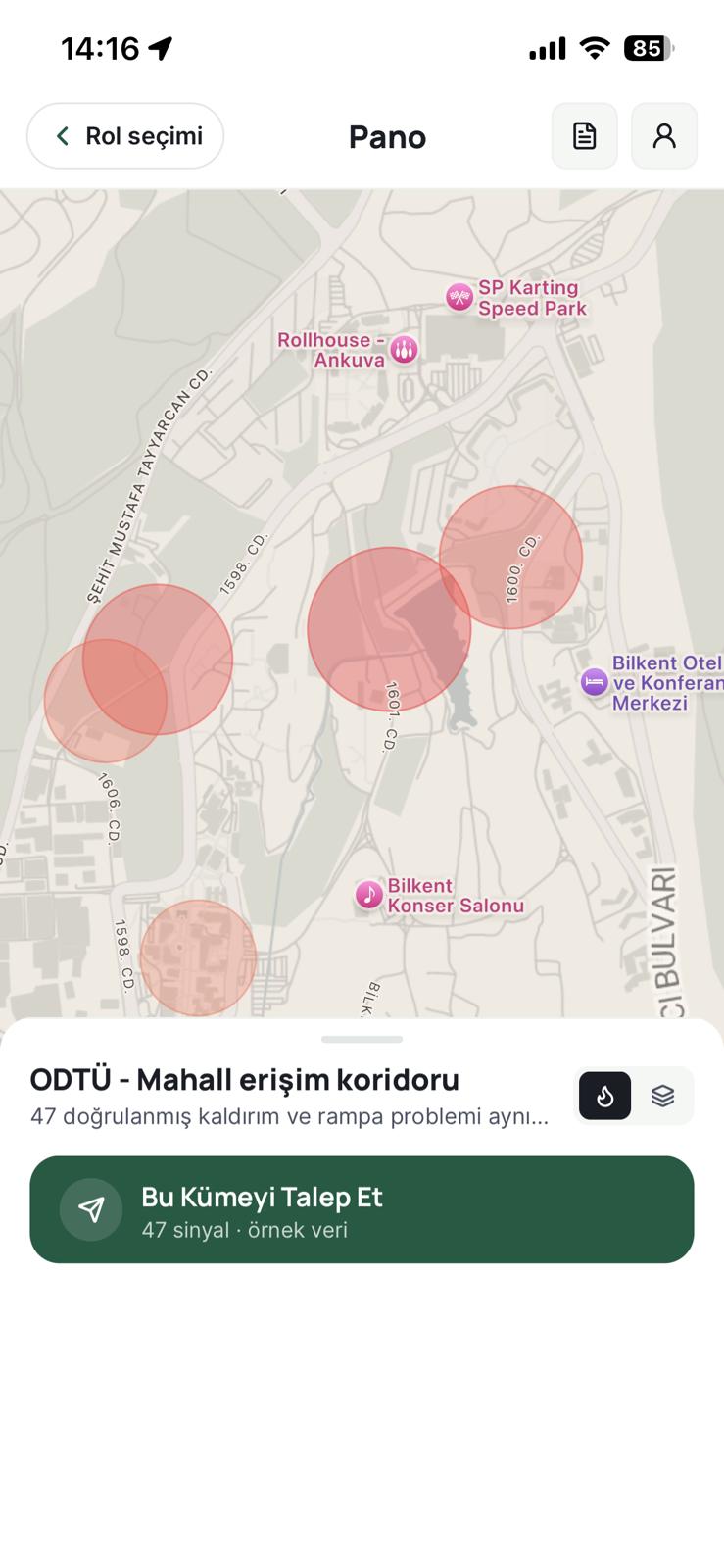
Municipalities, university campuses, and retail chains see accessibility gaps in their own footprint on a heat map. Pick a cluster, claim it, fix it, close it — social impact becomes measurable.
Beacon doesn't issue directions.
It only describes the environment.
We're three co-founders shipping Beacon out of METU Technopark. Reach any of us — the fastest way in.